Stay in the green
Pointing by hand
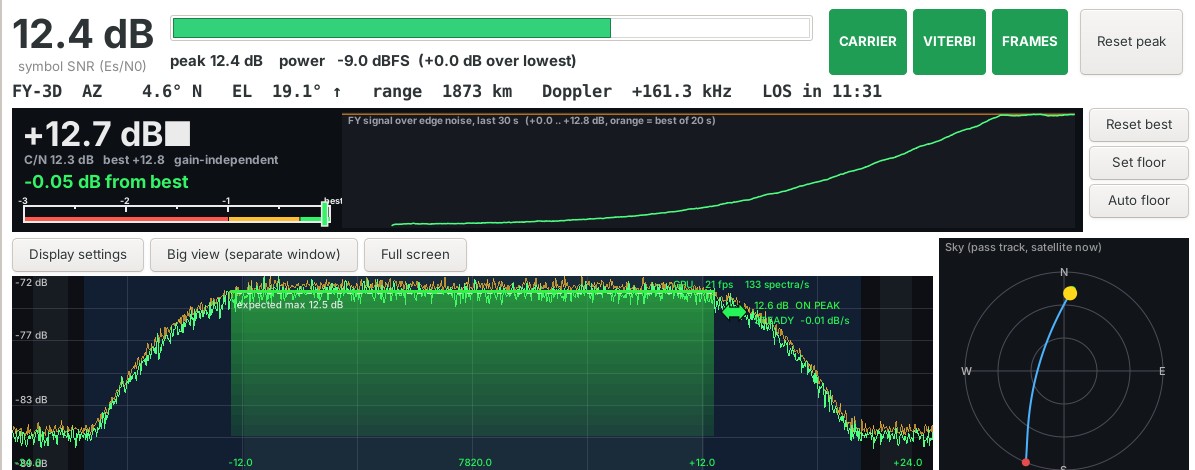
Before AOS, point at cold sky and press ‘Set floor’. Then follow the pointing line and the aim zone.
- Open the Big view on a second screen if you can see it from the dish.
- At AOS, sweep slowly around the predicted azimuth / elevation until the block rises out of the noise.
- Keep the aim zone green. React to the trend arrow, not to the colour — ‘DROPPING’ comes first.
- Use the tone: pitch up = better, a chirp = new best.
- At night switch to Night mode (N), in daylight to Sun mode (S).